

How Interactive Simulations Make Science Easier to Understand
Estimated reading time: 4 minutes
Science encourages learners to explore, question and understand how the world around them works. From discovering how electricity flows through a circuit to understanding how the human body functions, learners encounter concepts that require more than simply reading notes or memorizing definitions.
Some scientific processes, however, are difficult to observe or demonstrate in a classroom. Interactive simulations provide an opportunity to explore these concepts through visual and practical digital experiences.
What Are Interactive Simulations in Science Education?
Interactive simulations are digital activities that recreate real-world processes, scientific experiments or situations. They allow learners to interact with different elements, change conditions and observe what happens.
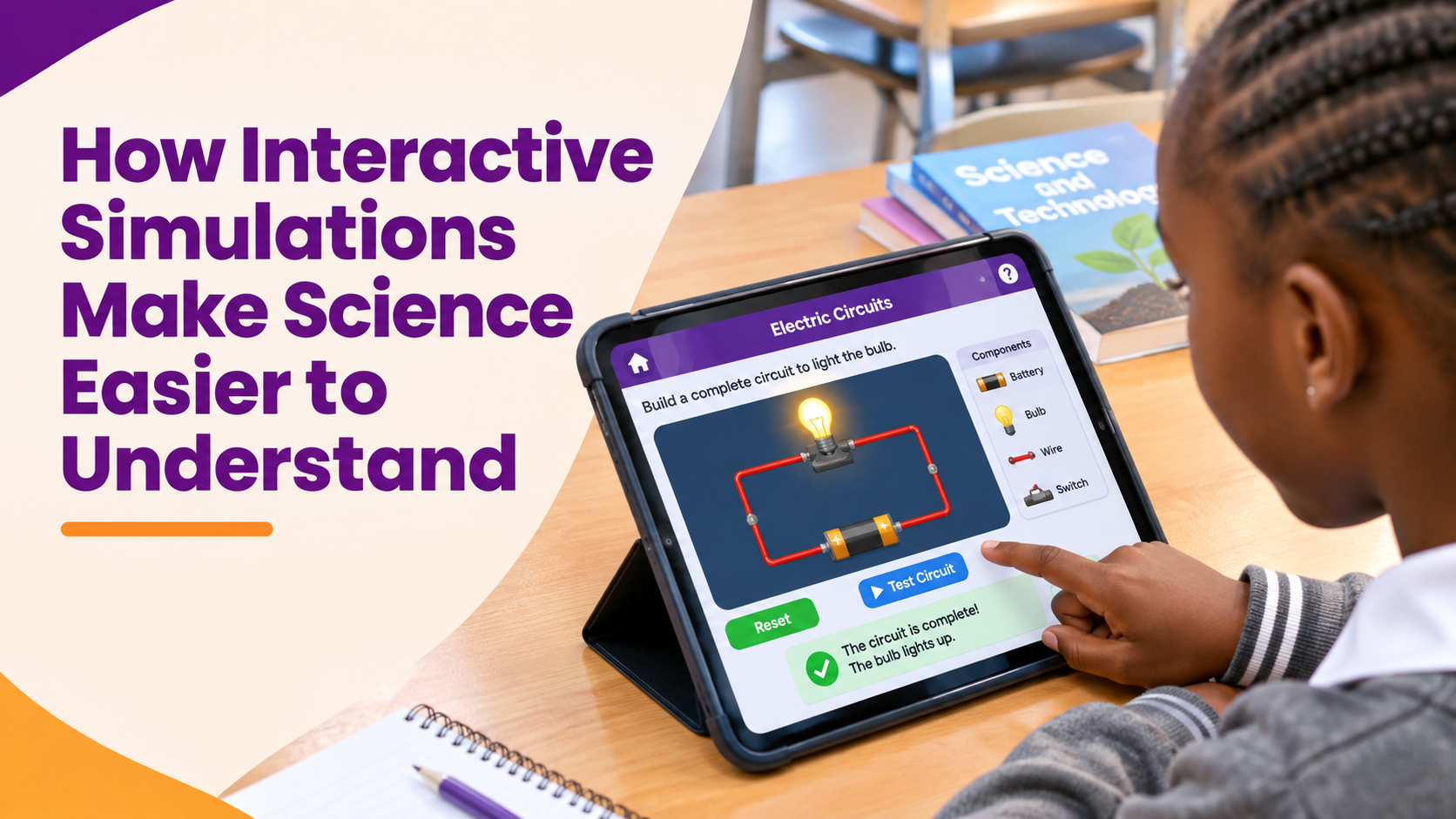
For example, when learning about electricity, learners can connect components of a circuit, switch a bulb on or off and observe what happens when a connection is broken.
Unlike simply watching a video, learners actively participate in the activity, making observations and exploring how different scientific processes work.
How Interactive Simulations Support Science Learning
- Making Scientific Concepts Easier to Visualize
Some scientific processes cannot be directly observed. Learners may understand that breathing involves the lungs but find it difficult to explain how the diaphragm and other parts of the respiratory system work together.
Simulations use animations, diagrams and digital models to illustrate these processes. This helps learners visualize what happens and connect scientific explanations with what they see.
- Encouraging Exploration and Experimentation
Science involves asking questions, testing ideas and observing results. Interactive simulations give learners opportunities to explore these processes digitally.
For example, when studying plant growth, learners can investigate how different amounts of water or light affect a plant. They can make predictions, change the conditions and observe the results.
This encourages curiosity and gives learners an active role in discovering scientific concepts.
- Demonstrating Cause and Effect
Many scientific concepts involve relationships between actions and outcomes.
When exploring an electric circuit, for instance, learners can remove a connecting wire and observe the bulb going off. Reconnecting the wire allows them to see how a complete circuit enables the bulb to light up.
By making changes and observing the results, learners develop a better understanding of how scientific processes work.
- Providing Opportunities for Safe Experimentation
Some experiments require specialized equipment, materials or conditions that may not always be available in a classroom. Others may need additional safety precautions.
Simulations allow learners to explore selected experiments in a controlled digital environment. They can repeat activities, test different conditions and observe outcomes without necessarily requiring physical materials for every attempt.
Science Topics That Can Benefit from Interactive Simulations
Simulations can support the teaching of different science topics, depending on the concepts being explored.
| Science topic | How Simulations Support Learning |
| Electricity | Exploring circuit components and observing complete and incomplete circuits. |
| The human body | Understanding how different organs and body systems function. |
| Forces and motion | Investigating how forces affect the movement of objects. |
| Mixtures | Exploring how substances combine and how mixtures can be separated. |
| States of matter | Observing how heating and cooling affect the states of matter. |
These examples show how digital activities can help learners explore concepts that might otherwise be difficult to demonstrate using explanations alone.
The Role of Teachers in Simulation-Based Learning
Although simulations encourage independent exploration, teacher guidance remains important.
Teachers can introduce an activity with a question that encourages learners to think about what they are about to explore. For example, before demonstrating an electric circuit, a teacher might ask: What do you think will happen to the bulb if one of the connecting wires is removed?
Learners can then make predictions, interact with the simulation and discuss their observations. This helps them focus on the scientific principles behind the activity rather than simply clicking through it.
Do Simulations Replace Practical Experiments?
Interactive simulations should complement, not replace, hands-on science experiments.
Practical activities allow learners to handle materials, use scientific equipment and develop investigation skills. Simulations provide additional opportunities to explore processes, repeat investigations and examine situations that may be difficult to recreate physically.
For example, learners can first explore an electric circuit through a simulation before constructing a physical circuit using appropriate components. Combining these approaches helps connect digital exploration with practical experience.
READ Also : Learning Becomes More Enjoyable Through Play
Exploring Interactive Science Learning with KlickIt Education
The KlickIt Education Learning App provides learners with opportunities to engage with educational content through interactive digital lessons and activities, including simulations.
These activities allow learners to explore selected Science and Technology concepts, observe processes and interact with different elements to reinforce their understanding. The app also includes activities that help learners practise what they have learnt and receive instant feedback.
Download KlickIt Education from the Google Play Store or Microsoft Store and give your child a more engaging way to learn.